
← Back to Blog
NEW MODERNIZATION EXPLAINER October 8, 2026 · 9 min read

The Strangler Fig Pattern: Replace a System You Can’t Switch Off

The strangler fig pattern replaces a legacy system gradually. You put a routing layer in front of the old system, build new components beside it, and move traffic across one piece at a time until nothing calls the old code. Then you delete it. Here is how the pattern works, where it gets hard, and when not to use it.

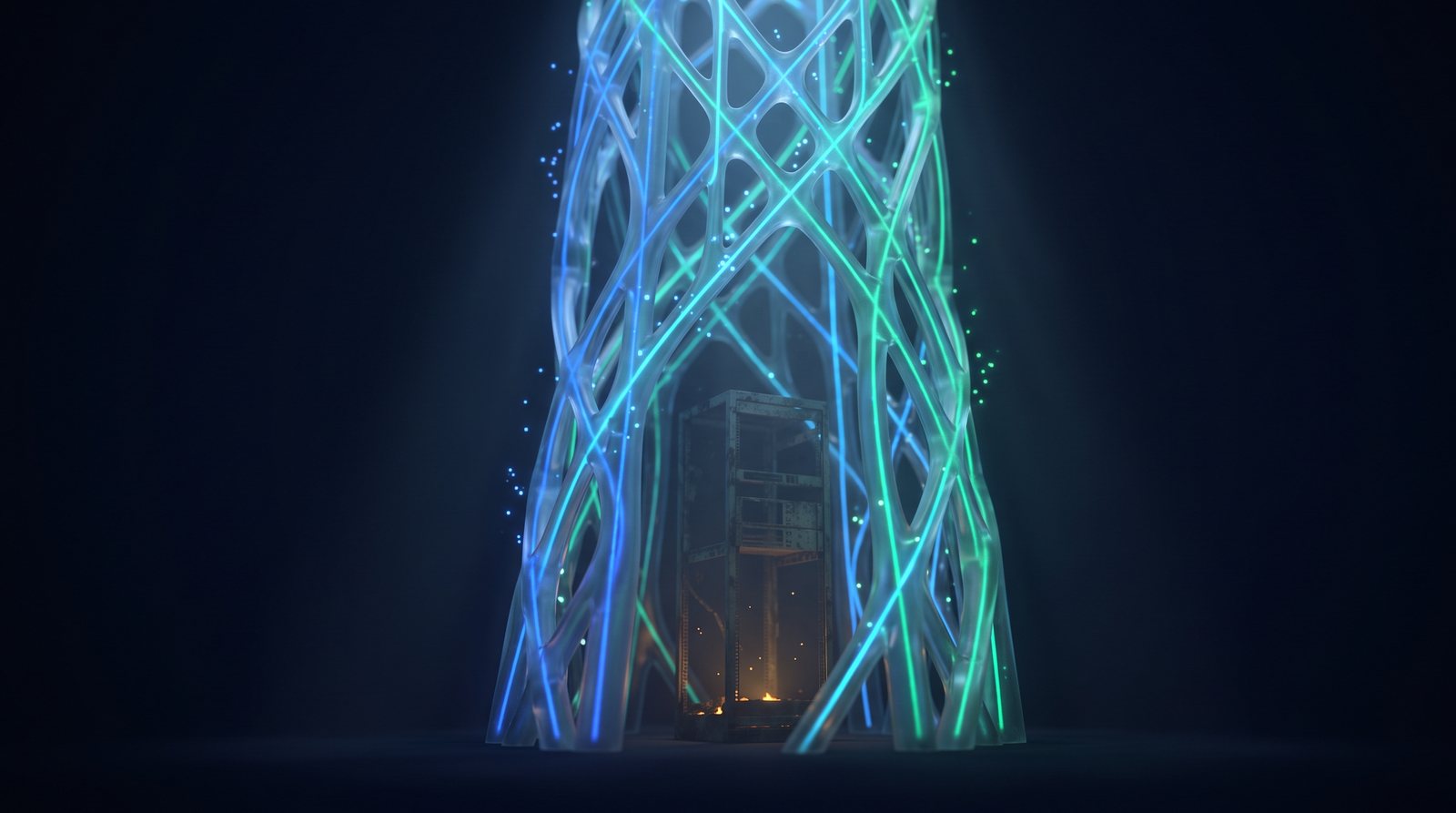
A freestanding lattice of glowing blue and green conduits, shaped like the roots of a strangler fig, with the faint outline of the old server tower it replaced fading inside it

What the strangler fig pattern is

A strangler fig starts as a seed in the crook of another tree. It sends roots down to the ground and shoots up to the light, wrapping the host as it goes. Years later the fig stands on its own, and the tree it grew around is gone. Martin Fowler saw these figs in the Queensland rain forest in 2001 and wrote up the comparison a couple of years later. The name stuck (Fowler, revised 2024).

In software, the host tree is the system you want to retire. The fig is its replacement. The new system grows around the old one while the old one keeps doing its job, and it takes over a piece at a time. Nobody picks a weekend to switch everything at once.

That last point is the whole reason the pattern exists. A full rewrite asks the business to wait two years and then trust one cutover. The strangler fig asks for a small change that ships in weeks, then another.

1 route
moves at a time, so each change is small enough to undo
2 systems
run side by side until the old one has nothing left to do
0 freezes
because the old system keeps taking changes while the new one grows
How It Works

One Way In. Two Places to Go.

Every caller goes through a routing layer. The routing layer sends each request to the old system or to a new component. Over time more routes point at the new side, and the old system shrinks until it can be removed.

The Building Blocks

The Three Parts

Every strangler fig migration has the same three pieces. Skip one and you have a different project with a nicer name.

Intercept

A Routing Layer in Front

A proxy, gateway or facade that every request passes through. On day one it sends everything to the old system. Its only job is to decide where each request goes.

Build

New Components Beside the Old

Each new component takes over one capability. It is built, tested and deployed next to the running system, and it does nothing in production until a route points at it.

Retire

Old Code Actually Removed

Once a route has run clean on the new side, the old code path is switched off and deleted. A migration that never deletes anything has only added a system.

The Sequence

The Steps, in Order

The order matters more than the tooling. Each step is small, and each one leaves the system in a state you could live with if the program stopped there.

  1. 01

    Put the Routing Layer in Front

    Send every request through it and pass all of them to the old system. Nothing changes for users. This step proves the routing layer can carry production load before it has to make a single decision.

  2. 02

    Pick One Capability

    Choose a piece the business would recognize: quoting, order status, one product line. Small enough to ship in a quarter, and valuable enough that someone will notice.

  3. 03

    Build It Beside the Old System

    Write down what “done” means before work starts. Build the new component against that, and deploy it with no traffic pointed at it.

  4. 04

    Run Both and Compare

    Copy live requests to the new component while the old one still answers the user. Compare the two results and explain every difference. Keep going through a full business cycle, month-end included.

  5. 05

    Move the Route

    Shift a small share of real traffic first, then the rest. If something looks wrong, point the route back. Rollback is a configuration change.

  6. 06

    Delete the Old Path, Then Repeat

    After an agreed clean run, remove the old code for that capability. Then go back to step two with the next one.

Design Decision

Where to Put the Seam

The seam is the place where you can step in between a caller and the old system. Finding a good one is most of the design work.

Streams of light converging on a single glass gate, which sends most of them into an old amber-lit machine and a smaller stream into a new green glass module beside it

Three seams that work.

  • At the network edge. A reverse proxy or API gateway routes by URL path. This is the easiest seam and the right first choice for anything that speaks HTTP.
  • At the message layer. If the system is fed by queues or files, intercept the message and decide which side handles it.
  • Inside the code. When callers sit in the same codebase, put an interface in front of the old module and switch the implementation behind it with a flag.

Cut along business lines. A slice like “everything about returns” can move on its own. A slice like “the whole data access layer” can’t, because every feature depends on it and nothing ships until all of it is done.

Keep the routing layer thin

The routing layer routes. The moment it starts holding business rules, you have built a third system that also needs replacing one day.

The Hard Part

The Hard Part Is the Data

Routing requests is easy. The trouble starts when the old and new systems both need the same records.

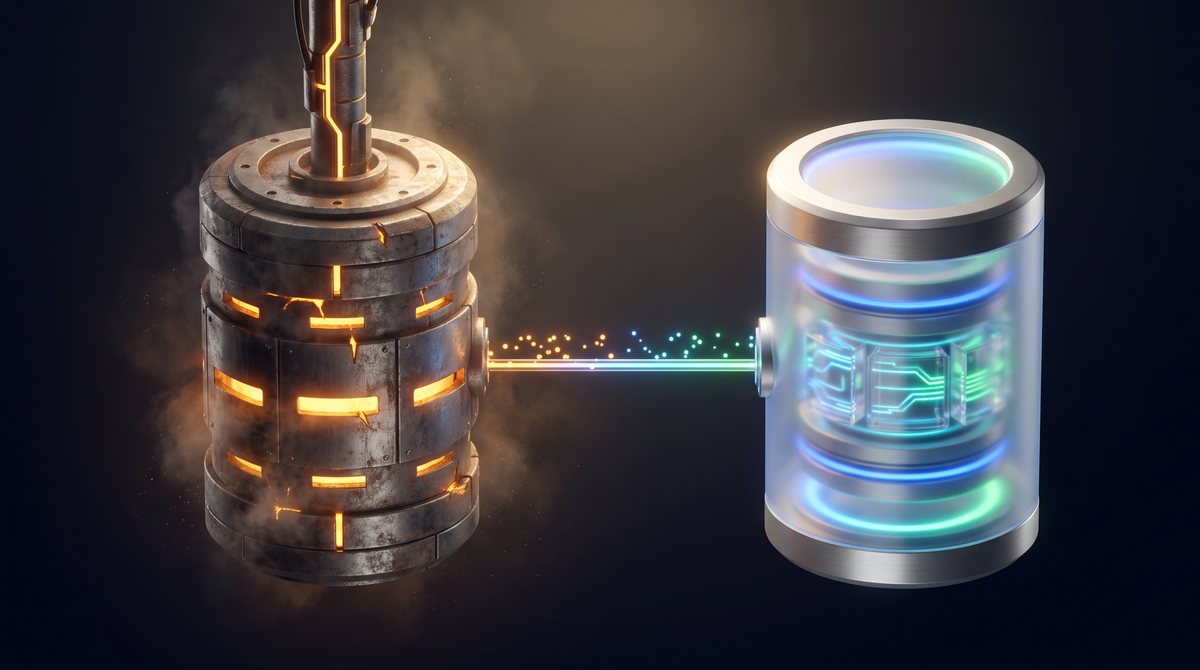
An old amber-lit data vault and a new blue and green glass data vault side by side, joined by a single one-way stream of light flowing from the old vault to the new one

One owner for every record.

  • Start by reading the old database. The first new components can read the existing tables. It is not pretty, and it gets a slice live without a data migration.
  • Move the data with the capability. When a component takes over a capability for good, it takes the data too. Copy the history across, then feed changes one way until cutover.
  • Never let both sides write. Two systems updating the same record will disagree, usually at month-end. At every moment, one side owns the write.

Most stalled migrations stall here. The team moves the screens and the services, leaves every table where it was, and ends up with new code chained to an old schema. Plan the data moves in the same wave plan as the code. If a capability can’t take its data with it yet, say so and put a date on it.

Know the Limits

When Not to Use It

The pattern costs something. You run two systems for a while and you maintain a routing layer. Sometimes that cost buys nothing. Microsoft’s architecture guidance lists the cases plainly (Azure Architecture Center).

The system is small

If a team can rebuild and test the whole thing in a few months, do that. A routing layer for a small system is overhead.

You can’t get in front of it

If callers reach straight into the old system and there is no place to intercept them, there is no seam. Create one first, or pick another approach.

You can’t change the old code

Retiring a route usually means switching something off inside the old system. With no access to its source, you can add around it but never shrink it.

The old system has to be gone fast

A lapsing license or a data center exit on a fixed date may not leave time for a gradual move. The pattern trades speed of exit for safety.

Avoid These

Five Ways It Goes Wrong

1. Nothing ever gets deleted

New components ship, the old paths stay “just in case”, and the company now pays for two systems. Put the removal in the definition of done for every slice.

2. The routing layer grows a brain

Rules creep into the proxy because it is the easy place to put them. A year later nobody can say which system decides what.

3. Slices follow the org chart

Cutting by team or by technical layer produces pieces that can’t go live alone. Cut by what the business does.

4. No parallel run

Traffic moves on the strength of a test suite, and the first real comparison with the old system happens in front of customers.

5. The program stops at the easy half

The simple capabilities move and the budget runs out before the tangled core. Sequence the work so the pieces that cost the most to keep are funded first.

How to tell it is working

Count what has left the old system. Lines of new code and services deployed say nothing about progress, because a migration can add both forever. These three numbers do:

  • Share of traffic on the new side. Measured at the routing layer, per route.
  • Old code removed. Modules, jobs and tables that no longer exist.
  • Run cost of the old platform. Licenses, hosting and support hours. This is the number the business case was built on.

If traffic keeps moving and the old system isn’t getting smaller, stop and find out why before starting the next slice.

Where the pattern fits in a full program

The strangler fig is the build-and-cut-over part of a modernization. It works best after an assessment has mapped the system and sorted each component into keep, wrap or replace. Our guide on how to modernize a legacy system covers the whole method, including how to put a fixed price on each slice.

The pattern is patient by design. It gives up the clean break of a rewrite and gets something better in return: a system that is a little newer every month, with the business running on it the whole time.

Have a Platform You Can’t Switch Off?

Tell us which part worries you most. We’ll come back with a fixed scope and price for the assessment, then replace your platform one slice at a time with a fixed price per milestone. See how our legacy modernization services work.

Codavyn

Codavyn

Custom software development and modernization, accelerated by AI.

Continue Reading